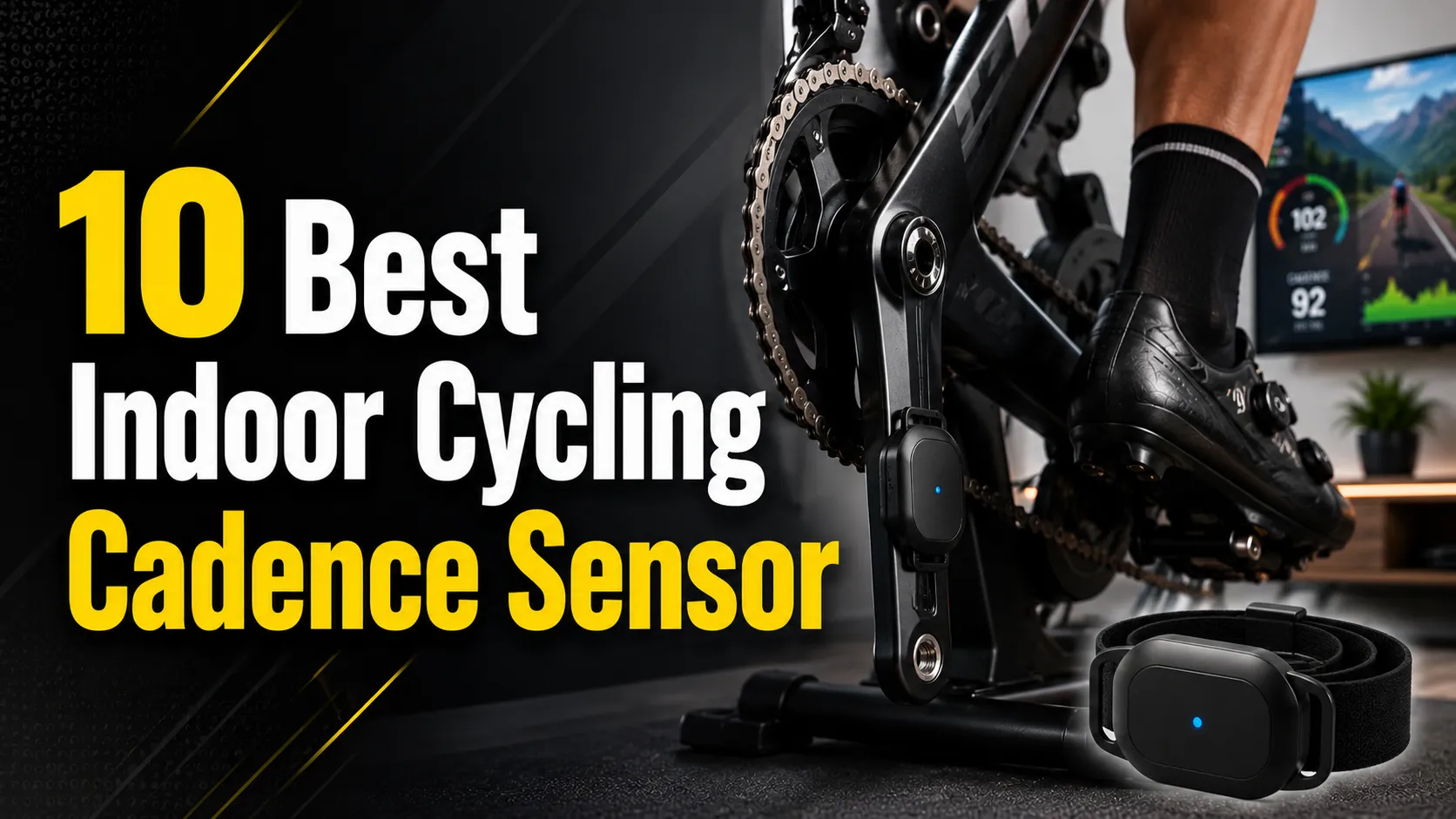
Indoor cycling cadence sensors measure how fast the pedals turn. Riders use them to track cadence in real time, improve pedaling efficiency, and follow structured workouts on smart trainers or apps. These sensors come as magnet-based pods, accelerometer units clipped to the bike, or built into smart trainers and pedals, so they fit a range of indoor setups and budgets.
Choosing the right cadence sensor means checking accuracy, connection type (ANT+ or Bluetooth), battery life, and how easy it is to mount and pair with devices. Accuracy and reliable wireless pairing are the most important factors because bad data or dropped signals ruin training sessions. The guide tests common sensor types and highlights models that balance precision, ease of use, and value to help riders pick the best option for their indoor rides.
10 Best Indoor Cycling Cadence Sensors
Below is the full list of the best indoor cycling cadence sensors. It helps riders compare accuracy, connectivity, and ease of use to pick the right sensor for their trainer or bike.
Magene S3+ Cadence/Speed Sensor

It is a budget-friendly sensor worth buying if someone needs a simple cadence or speed feed for apps and trainers but can accept mode limits and basic build quality.
Pros
- Low cost and small, unobtrusive size.
- Works with Bluetooth and ANT+ for wide app compatibility.
- Simple setup for either cadence or speed when set correctly.
Cons
- One sensor can only be speed or cadence at a time.
- Bluetooth only connects to one device at once.
- Battery cover and plastic bits feel fragile.
The S3+ gives a clear data stream to trainers and apps like Zwift or Wahoo when used within its limits. It pairs via Bluetooth for single-device use or ANT+ for multiple devices, so it fits most indoor setups.
Buyers must set the mode by removing and reinstalling the battery, which many find odd but effective. The sensor also sleeps when idle to save battery and wakes when it detects motion.
Mounting is low-profile and easy, but some users reported the battery cover tab or plastic parts can tear. It performs well enough for training when placed close to the crank spindle or wheel hub as needed.
Consider getting two units if someone wants both speed and cadence live, or expect to switch modes by swapping batteries. The price makes it a practical backup or starter sensor for indoor cyclists.
Wahoo RPM Cadence Sensor (Blue)

It’s a good buy for riders who want an easy, wireless way to track cadence on phones and most bike computers.
Pros
- Simple, magnet-less mounting that fits many setups
- Connects via Bluetooth and ANT+ to popular apps
- Small and lightweight; does not get in the way
Cons
- Some users report intermittent Bluetooth connection drops
- Battery is non-rechargeable and may need early replacement
- Readings rely on accelerometer, which can cause occasional false triggers
The sensor pairs with phones, tablets, and many bike computers so riders can see cadence on apps like Zwift, Strava, and Wahoo’s own software. It works indoors and outdoors and attaches to a crank arm or shoe with the included mounts.
Installation takes only a few steps and no magnet. That makes it neat for spin bikes and trainers where magnets are awkward. The LEDs give clear feedback about connection and pedal detection.
Several customers note reliable, simple use, while others describe flaky connections or short battery life. It suits casual and training cyclists who want basic cadence data without a bulky device.
CYCPLUS Cadence & Speed Sensor Pair

This pair is a solid budget choice for riders who want Bluetooth and ANT+ cadence and speed data on multiple devices.
Pros
- Small, lightweight design that stays out of the way.
- Dual-mode and multi-protocol work with many apps and head units.
- Long battery life and sleep mode extend use between charges.
Cons
- Build quality can be hit-or-miss across units.
- Setup on some bikes may take patience to position correctly.
- Companion app and support resources feel limited.
The sensors pair as cadence or speed sensors and send data over Bluetooth and ANT+. That makes them flexible for indoor trainers, bike computers, and phone apps without extra hardware.
They mount on wheel hubs without magnets and use elastic straps or double-sided tape. The compact size keeps the bike neat, though some users report one unit failing sooner than expected.
Battery life rates well and the sensors sleep when idle to save power. Buyers should expect a low-cost option that covers basic cadence and speed tracking but may not match premium sensors for durability.
Garmin Cadence & Speed Sensors

It is a solid pick for riders who want reliable wireless cadence and speed data that pairs easily with Garmin and ANT+/Bluetooth apps.
Pros
- Easy to move between bikes and simple to mount.
- Wireless pairing works with many devices and training apps.
- Low-profile cadence sensor that stays out of the way.
Cons
- Rubber mounting straps look cheap though they hold up.
- Speed sensor needs room on the hub, which some bikes or trainers may not allow.
- Limited features if a rider wants advanced onboard metrics beyond cadence/speed.
The sensors send cadence and speed to watches, bike computers, and apps without magnets or exposed parts. They suit riders who want clean, low-maintenance sensors that stay tucked away.
It pairs by Bluetooth and ANT+ so it works with many training platforms and bike computers. Users testing indoor trainers and outdoor bikes report steady connections and accurate cadence counts.
Battery life and reliability get good marks, but installation space matters for the speed sensor. Riders with tight hub or trainer setups should check clearance before buying.
moofit Cadence Sensor

It is a budget-friendly cadence sensor that works with most apps and trainers but can have occasional connection or mounting issues.
Pros
- Affordable option that links to ANT+ and Bluetooth devices.
- Small, lightweight, and weatherproof for daily use.
- Broad app compatibility with common cycling platforms.
Cons
- Mounting parts can wear or break after repeated use.
- Pairing limits with some apps may cause confusion.
- Occasional delays or brief dropouts reported by users.
The sensor pairs over Bluetooth and ANT+, so it fits many indoor trainers and smartphone apps. It sends real-time cadence data, which helps riders track RPM without extra magnets.
Installation is simple because it clips to the crank arm and stays compact. The IP67 rating protects it from rain or sweat, making it fine for indoor and wet outdoor rides.
Some users report the rubber mount or clip failing after several rides, so check the fit often. Also, a few apps restrict pairing rules, so pairing behavior can vary by brand.
Buying Guide
Choosing a cadence sensor means matching features to needs rather than picking the flashiest option. Buyers should check compatibility with their trainer, bike, and phone or head unit to avoid returns and wasted time.
Look for reliable connection types like Bluetooth and ANT+. Dual-protocol sensors work with more apps and devices. Battery life matters; longer life means fewer interruptions. Replaceable batteries are handy for quick swaps.
Consider sensor placement and installation. Some attach to the crank arm, others to the shoe or pedal spindle. Easier installation helps if multiple people use the bike. Size and weight matter less than a secure fit that won’t slip during hard efforts.
Accuracy and update rate affect training. Faster update rates give smoother cadence readings for interval work. Seek sensors that report cadence in real time and provide consistent data across sessions.
Durability and water resistance extend device life. Sweat and indoor humidity can damage cheap sensors. Look for a solid build and IP rating if the sensor will see heavy use.
Check app and training-platform support. A sensor that pairs with common apps and head units reduces friction. Also verify firmware update options so the sensor can get improvements over time.
Finally, balance cost with features. Basic sensors cover casual riders. Serious cyclists should prioritize accuracy, connectivity, and durability even if it costs more.
Editor’s Choice
The Editor’s Choice pick is the Wahoo RPM Cadence Sensor. It pairs quickly with indoor trainers and most apps. Its Bluetooth and ANT+ support makes setup simple.
The sensor is light and mounts easily to the crank arm. It stays secure during hard efforts and rarely needs recalibration. Battery life runs long, and users can change the cell themselves.
Key features:
- Connectivity: Bluetooth + ANT+
- Mount: Crank arm clip
- Battery: Replaceable coin cell
- Weight: Very light
It gives steady, accurate cadence data that works with Zwift, TrainerRoad, and many head units. The readouts update smoothly, which helps riders keep consistent cadence targets without lag.
Design is compact and durable. The price sits in the mid-range, offering strong value for most indoor cyclists.
FAQS
What is a cadence sensor?
A cadence sensor measures how fast the pedals turn in revolutions per minute (RPM). It helps riders track and control pedaling speed during indoor workouts.
Do cadence sensors work with all smart trainers?
Most cadence sensors use Bluetooth or ANT+ and pair with popular apps and trainers. Users should check device specs to confirm compatibility.
Is a cadence sensor necessary for indoor cycling?
Not always. Many smart trainers estimate cadence, but a sensor gives more accurate and consistent readings. It is useful for training plans that target specific RPMs.
How accurate are cadence sensors?
Accuracy varies by model. Magnet-based sensors are simple and reliable. Accelerometer or gyroscope sensors offer better performance for complex movements.
How long do batteries last?
Battery life depends on sensor type and usage. Coin-cell batteries often last 6–12 months, while rechargeable sensors can run for dozens of hours per charge.
Can one sensor connect to multiple devices?
Yes, many sensors can pair with several devices, but not always at the same time. Users should follow pairing steps to switch between devices.
Will a cadence sensor affect power readings?
It does not change power output. Cadence provides cadence data that, combined with power, helps calculate training metrics like cadence-specific power zones.
How to mount a cadence sensor?
Mounting is usually simple: clip or strap it to the crank arm or pedal spindle. Follow manufacturer steps to ensure correct placement and secure fit.
What about maintenance?
Keep the sensor clean and dry. Replace batteries or recharge as recommended and update firmware when available.
Conclusion
Choosing the right cadence sensor helps riders train smarter and ride safer. It gives clear data on pedaling rhythm and links with apps and trainers for guided workouts.
Simple sensors work well for basic tracking and cost less. Advanced sensors add ANT+/BLE dual support, low latency, and strong build quality for serious cyclists.
Consider these quick points when buying:
- Battery life and type.
- Mounting style and durability.
- Connectivity with devices and apps.
They should match the rider’s budget and goals. A beginner gains value from ease of use; a competitor needs accuracy and reliability.
A reliable cadence sensor becomes a useful training tool. It makes progress measurable and keeps sessions consistent.